FuturesHUB / Perpetual fees
Perpetual futures
Perpetual fees
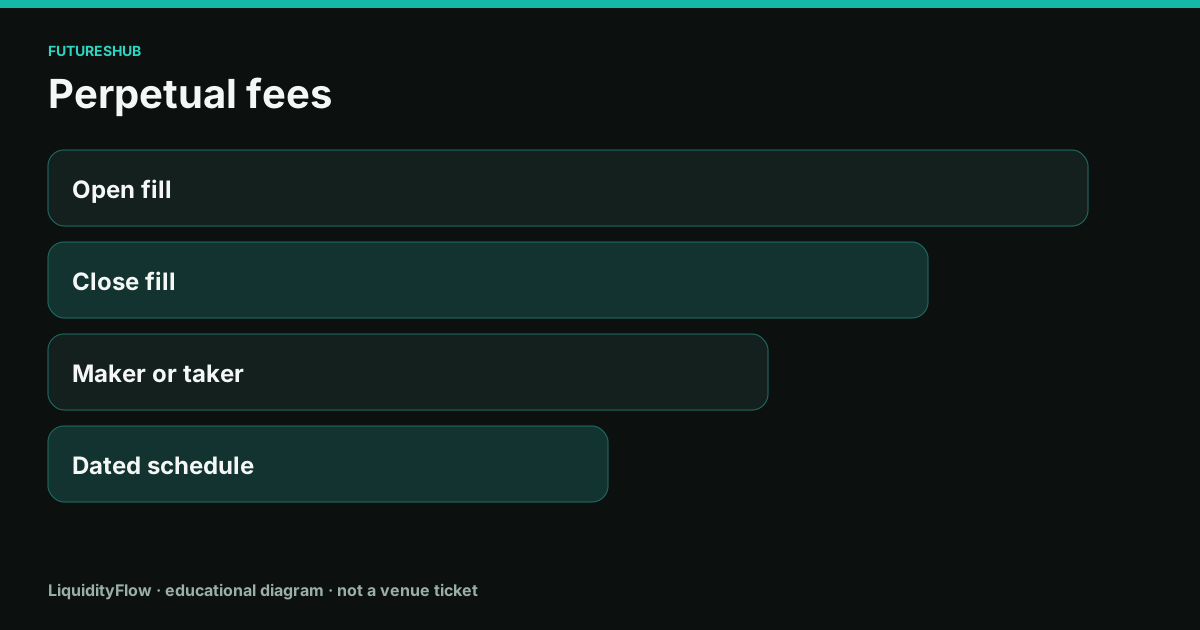
A perpetual fee is the venue's charge for the fill. It is a percent of notional, it depends on whether you made or took liquidity, and it is not the funding rate.
Open, close, and the role
You pay when the open fills and again when the close fills. A taker round trip at 0.05% costs 0.10% of notional. On $10,000 that is $10. A maker round trip uses the maker rate twice, and only if both fills actually rested. A maker entry and a taker stop is one of each.
The fee desk multiplies notional by the dated perpetual taker rate and then by two. That is the impatient round trip. It leaves out maker fills, VIP discounts, funding, and the spread. Those omissions are labeled on the fee page.
Dated schedules, and a blank where we have none
Bitunix, BloFin, KCEX, MEXC, BingX, Toobit, and BYDFi have taker rates copied from their own pages, each with the date we copied it. Tapbit's fee table is unverified on this desk, so the tools page will not invent one. Binance appears on the fee desk as a reference row, not as a partner link.
A schedule can be changed by VIP level, by a token discount, by the contract, or by the venue editing the page. The fill report is the rate you paid. The table is the rate we saw on the date printed next to it.
Fees versus funding versus spread
Put the three in separate lines. Trading fee: role times notional, twice if you round-trip. Funding: rate times notional, per interval you hold. Spread and slippage: the distance between the mid you looked at and the average fill. A venue with a low taker rate and a wide book can cost more than a venue with a higher printed rate and a tight book.
The tools workbook will compute the taker round trip from the schedule you select, and the funding bill from the rate you type. Add your own slippage estimate. The stacking-costs page is the checklist for doing that addition honestly.
On the ticket
- Identify whether the entry and the exit will make or take. Pick the matching rate.
- Multiply each rate by notional. Add the two fees.
- Open the fee desk to see the dated taker rate for a partner venue, or leave the line blank if the schedule is unverified.
- Read the fill report after the trade and replace the estimate with the fee that was charged.
Questions
Is the funding rate a trading fee?
No. Funding is a payment between longs and shorts at the interval. The trading fee is the venue's charge for the fill. Both can hit the same position.
Why is Tapbit's fee blank?
This desk has not logged a dated primary fee table for Tapbit. The promo code is published. The fee is not invented to fill the cell.