FuturesHUB / Stop orders
Perpetual futures
Stop orders
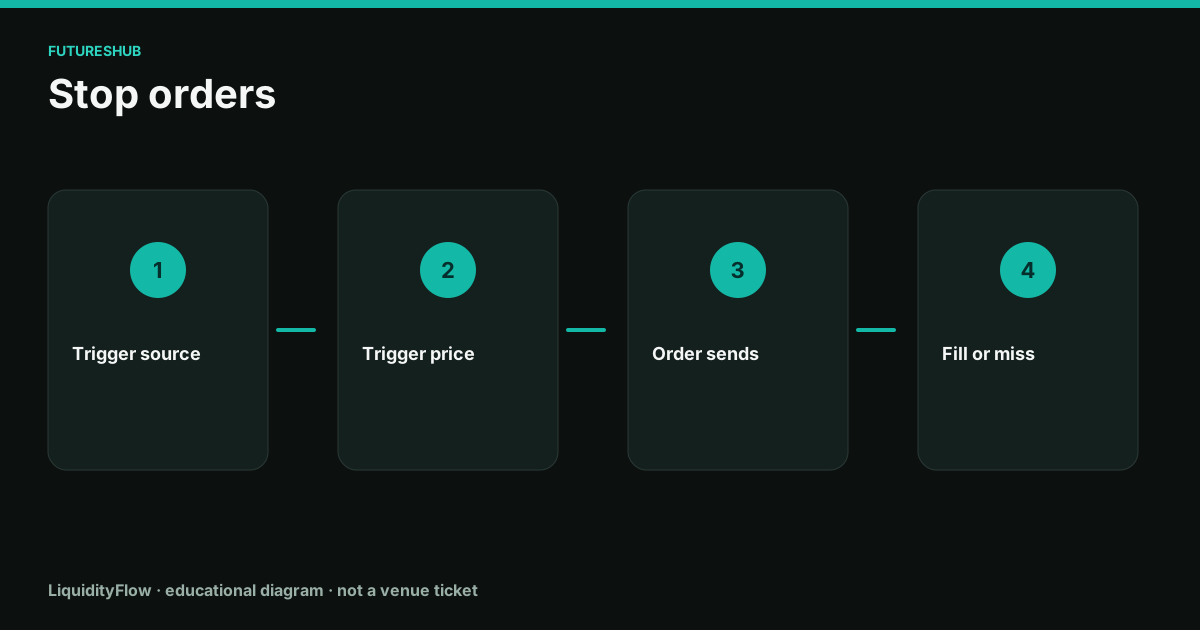
A stop is a two-step instruction. First the chosen price source touches your trigger. Then an order is born. Until that second step fills, the position is unchanged.
Pick the source
Last-price triggers follow the tape, including wicks. Mark triggers follow the liquidation reference and ignore a one-trade spike. Index triggers follow spot and can sit away from both. The dialog has a selector. The default is whatever the venue last saved, which may not be what you want today.
A stop meant to fire before liquidation should use the same source the liquidation engine uses, which is usually the mark, and should sit on the safe side of the liquidation price. A stop meant to react to a traded level should use last and accept that a wick can fire it.
Market or limit after the trigger
Stop-market sends a market order at the moment of the trigger. In a gap, the fill can be far through the trigger. That is still an exit. Stop-limit sends a limit at your second price. If the book never trades back to the limit, you keep the position and you are now in the move without protection.
For a protective stop, stop-market is the coherent choice. For a stop entry into a breakout you are willing to skip, stop-limit can be coherent. Name the job before you pick the type.
Working, triggered, filled
A working stop can be cancelled. A triggered stop has become an order and follows that order's rules. A filled stop is a position change. Journals that say 'stopped' without the fill price are missing the only number that entered the account.
Partial fills happen on stop-limits and on large stop-markets in thin books. Read the remaining size. A half-closed position still has a liquidation price, and it still pays funding on what remains.
On the ticket
- Write the trigger price and the source, mark or last, in the same line.
- Place protective stops as reduce-only stop-markets, inside the liquidation price.
- After a fast move, check whether the stop triggered and whether it filled. Look at remaining size.
- If a stop-limit missed, you still have the position. Send a new exit rather than waiting for the old limit.
Questions
Why did my stop fill far from the trigger?
The trigger started a market order. The fill is wherever the book was. Those are two prices, and a gap puts space between them.
Why did price pass my stop and leave the position open?
Either the trigger source never printed there, the stop was a limit that did not fill, or the stop was not working. The order history distinguishes the three.