FuturesHUB / Reading the ticket
Perpetual futures
Reading the ticket
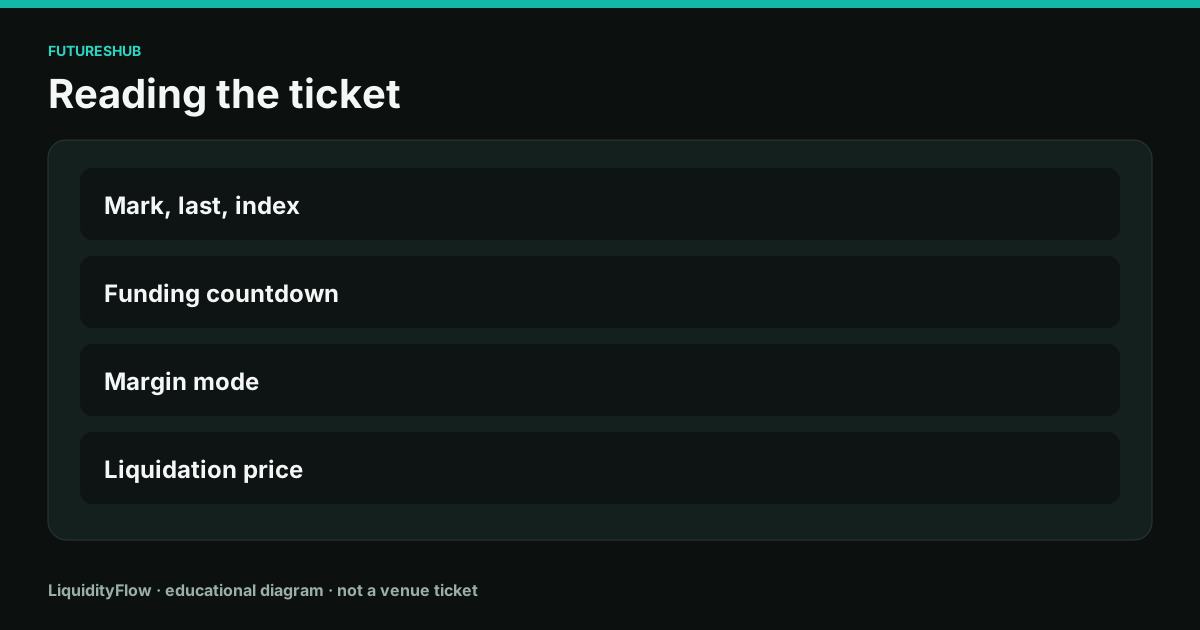
The ticket is a panel of different prices and one button that looks like it uses a single price. Reading it in a fixed order keeps the button from outrunning the panel.
The price row
Find last, mark, and index. Say each one out loud in the unit of the contract. If you cannot find the mark, you are not ready to talk about liquidation. If last and mark disagree by more than the spread, write the gap down before you click.
The TradingView chart embedded on LiquidityFlow coin pages is a last-price chart for a Binance symbol, spot or perpetual. It does not replace the mark field on the venue ticket. Use the chart to see the tape. Use the ticket to see margin.
The funding row
Find the predicted rate, the interval, and the countdown. Convert the rate into a payment on your intended notional for the next timestamp. Decide whether you will be open. A button pressed thirty seconds before the timestamp joins that payment.
Check the sign sentence if you are new to that venue. Then record who pays. The countdown is part of the cost, not a decoration.
The margin row
Read margin mode, leverage, assigned margin, and liquidation price. Confirm isolated if you wanted a fence. Confirm the liquidation price is beyond your stop. Confirm reduce-only on the exit and the trigger source on the stop.
Preview the order. The preview restates size, fee role, and margin impact. If the preview and your note disagree, the preview wins. Cancel and rebuild the note.
On the ticket
- Price row: write last, mark, and index.
- Funding row: write rate, interval, countdown, and the dollar payment on your notional.
- Margin row: write mode, leverage, liquidation price, and stop. Confirm the stop is closer than liquidation.
- Read the preview once more, then send. Save the fill price, not the price you hovered.
Questions
Which number is the price of the contract?
Last is the latest trade. Mark is the margin price. Index is the spot reference. Use the one that matches the question you are asking.
What should I screenshot if something goes wrong?
The fill report, the mark at the time, the funding line, and the liquidation price the ticket showed. A chart alone leaves out the margin math.