FuturesHUB / Hedge mode
Perpetual futures
Hedge mode
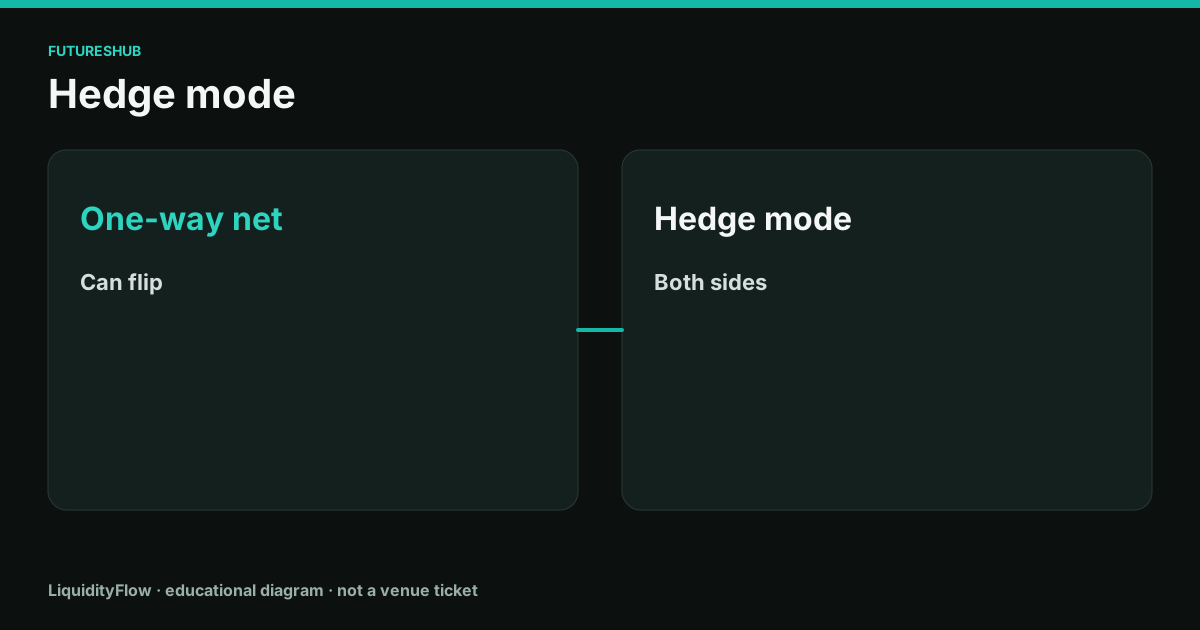
Position mode decides whether the venue stores one net position or two independent sides. The price exposure of a matched long and short is flat. The bill for opening both sides is not.
One-way is a single net
In one-way mode, buys and sells change one number. If you are long 1 and you sell 1, you are flat. If you sell 1.4, you are short 0.4. The extra 0.4 is a new position with its own entry, its own liquidation price, and its own funding exposure.
Reduce-only is the control that prevents that flip. A reduce-only sell can close a long down to zero and then stops. It will not open the short.
Hedge mode stores both sides
Hedge mode lets a long and a short exist together. Each side has its own size, entry, and liquidation estimate. Closing one side does not require you to touch the other. This is useful when you want to scale out of one idea without deleting the other.
A long of 1 and a short of 1 have no net price exposure to a small move. You still pay the fee to open each side, you still pay the fee to close each side, and funding is assessed on each side's notional. If the rate is positive, the long pays and the short receives, so the funding can net near zero while the trading fees remain.
Switching mode
Venues generally refuse a mode switch while a position or an open order exists on that contract. Flatten and cancel first, then switch, then reopen. Switching under a live position is a good way to end up with a net you did not intend.
Orders in hedge mode usually ask which side they belong to. An order sent to the wrong side will add to the side you were trying to reduce. Read the side flag on the confirmation before you trust the click.
On the ticket
- Read the position mode on the ticket and write it down next to the symbol.
- In one-way mode, turn on reduce-only for any order that must not open the other side.
- In hedge mode, select the side explicitly. Confirm the side on the order preview.
- If you hold both sides, add both open fees and both close fees to the cost. Then net the funding only after you have computed each side.
Questions
Does a matched hedge remove funding?
A long and a short of the same size receive opposite funding payments, so the net funding is near zero on the usual specification. The fees to open and close both sides are still paid.
Can I switch to hedge mode with a position open?
Most venues require a flat position and no working orders on that symbol before the switch. Follow the ticket's own prompt.